
How can I share the link to my personal page?
Copy your personal page URL from Settings > Personal Page in Almendra and share it on your social media or anywhere you want to promote your practice.
Updated August 14, 2024
To share the link to your personal page, simply copy the URL of your personal page from the configuration menu within the “Personal Page” section.
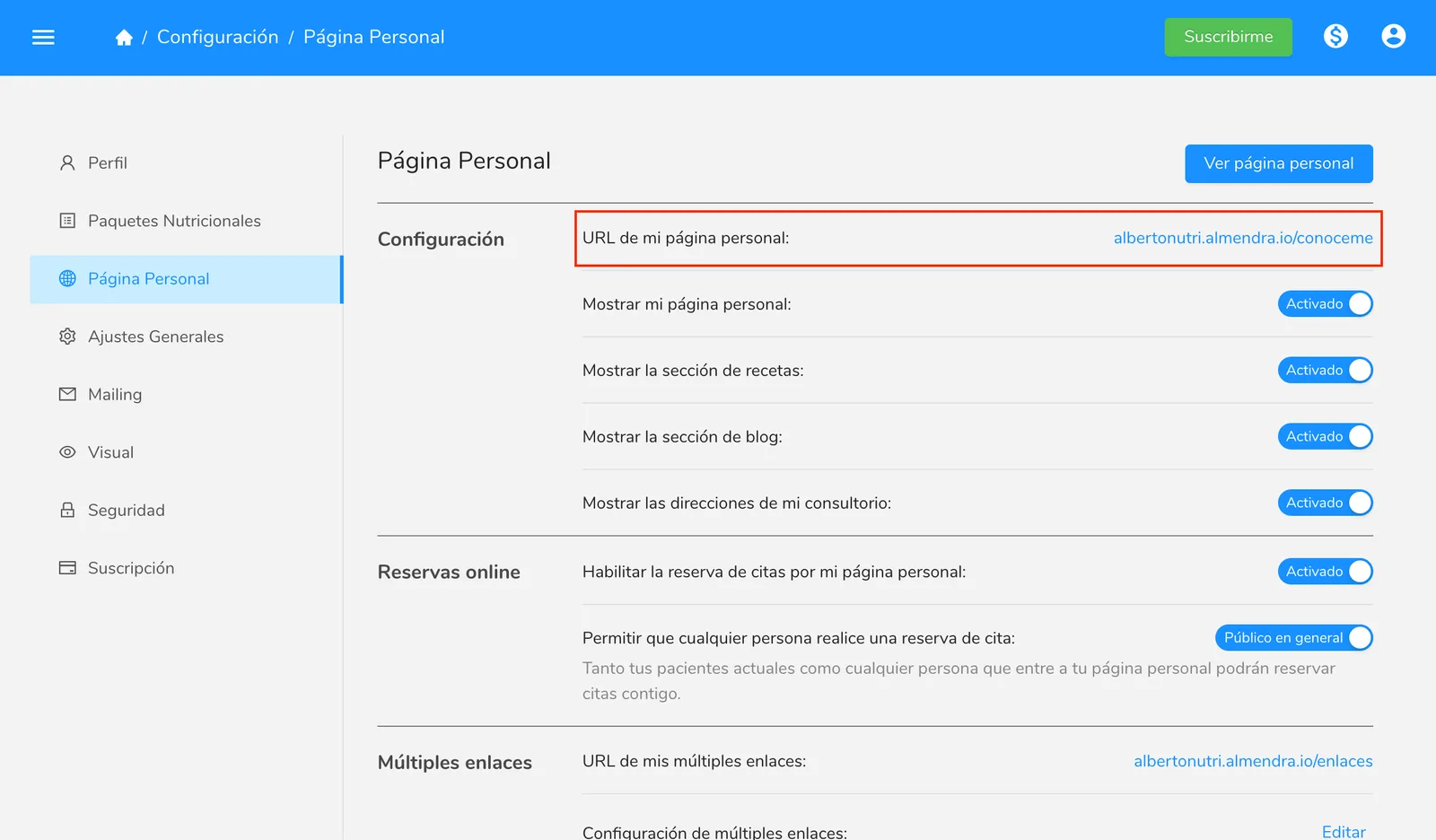
You can then distribute the link and share it on the social media platforms of your choice.
Can’t find what you’re looking for?
Our team replies within 1 business day, Monday to Friday 9:30 AM – 6:00 PM (GMT-5).