
How do I change the image on my homepage/sidebar?
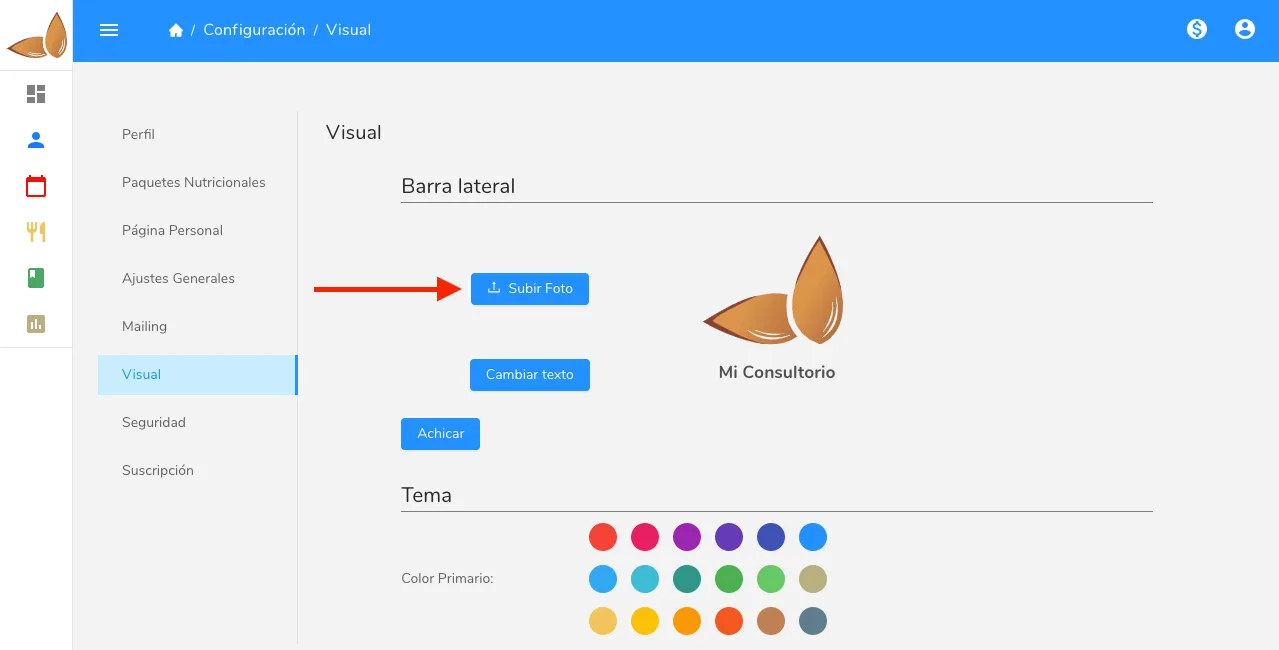
Change the image on your Almendra home page or sidebar from the settings page, in the Visual section, using the upload photo button.
Updated August 13, 2024
To change the dashboard image, go to the settings page and click on the “Visual” section. Within that section, click on the “upload photo” button to change your dashboard image.
Can’t find what you’re looking for?
Our team replies within 1 business day, Monday to Friday 9:30 AM – 6:00 PM (GMT-5).