
Account Deletion for Inactive Accounts
Almendra marks your account inactive after 60 days without logging in. You then have 30 days to click Keep my account active before data is deleted.
Updated August 12, 2024
To maintain security, limit data retention, and protect your privacy, Almendra has a policy for handling inactive accounts.If 60 days have passed since you last logged into your account, your account will automatically become inactive. From the date your account becomes inactive, you have 30 days to reactivate it.
Once you log into your inactive account, you will see a screen similar to this:
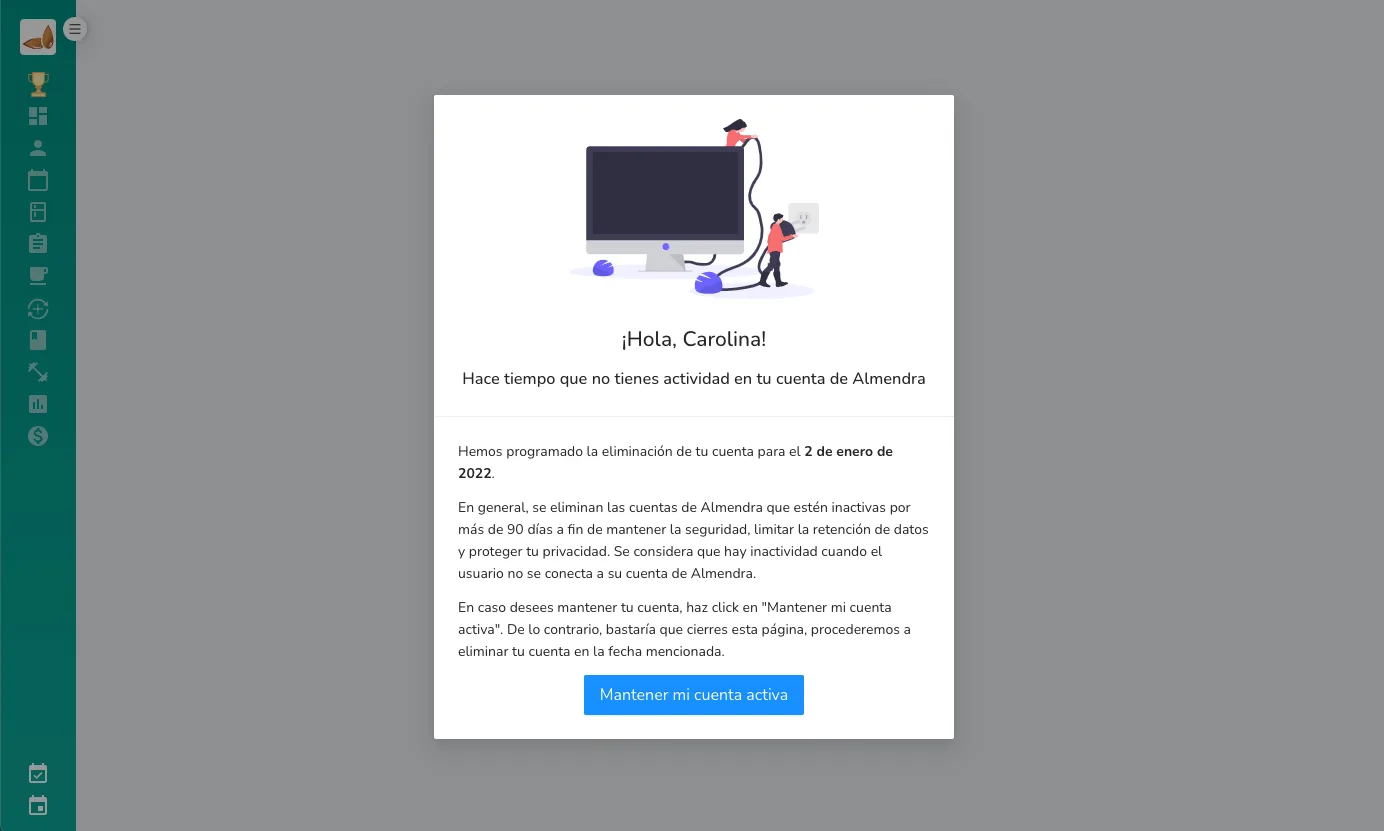
To keep your account and data active, you must press the “Keep my account active” button. To keep the account active, you need an internet connection.After 30 days of inactivity, we will delete all your data. This action is irreversible. If you wish to access your account after these 30 days, you will need to create a new account with Almendra.
Can’t find what you’re looking for?
Our team replies within 1 business day, Monday to Friday 9:30 AM – 6:00 PM (GMT-5).