
How do I add a patient?
Add a patient in Almendra from Patients with the green icon, or while scheduling an appointment. Only first name, last name, sex, and country are required.
Updated January 7, 2022
To add a patient, first go to the patients menu by clicking “Patients” in your left sidebar. Then, in your main patients table, you’ll see a green icon; click it to create a new patient.
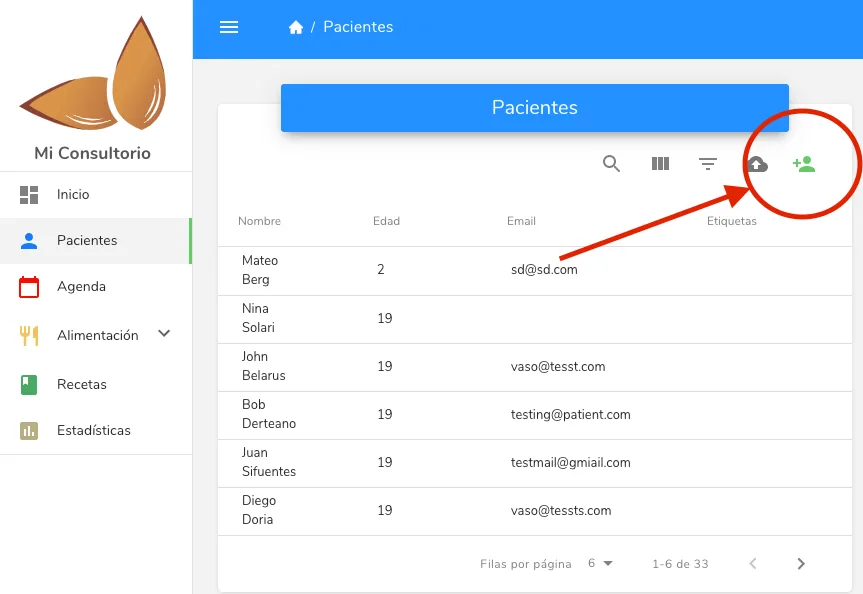
Remember that the “First name”, “Last name”, “Sex”, and “Country” fields are the only ones strictly required.
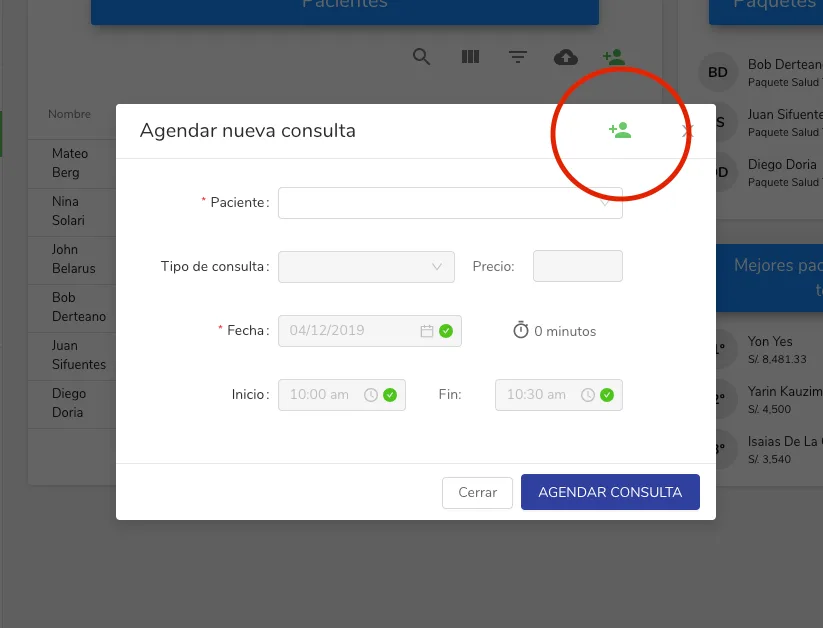
You can also add a new patient when scheduling or starting an appointment, by clicking the same green icon.
Can’t find what you’re looking for?
Our team replies within 1 business day, Monday to Friday 9:30 AM – 6:00 PM (GMT-5).