
How do I add indication templates to a meal plan?
Add indication templates to a meal plan in Almendra: in the last step, click + Templates and insert a system template or one you created.
Updated January 6, 2022
In the last step of the meal plan, click “+ Templates”:
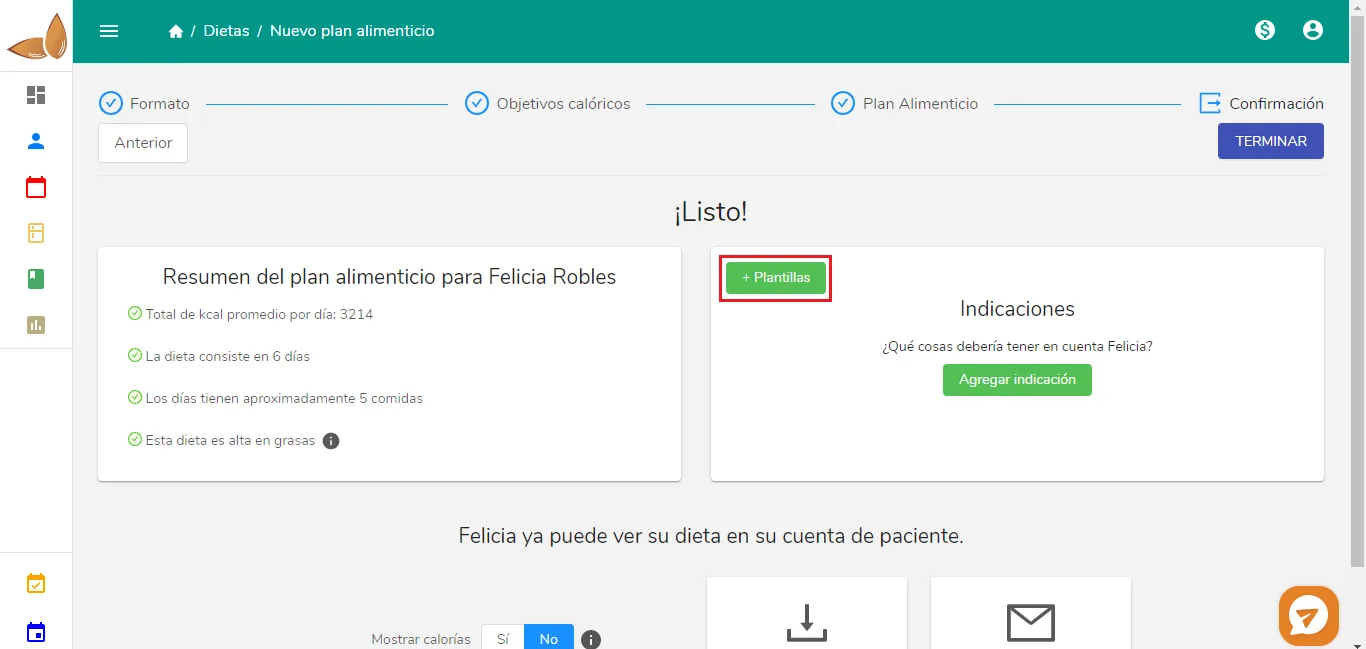
The following window will open:
You’ll see the system templates and the ones you created.
-
To see the details of a template, click its name and it will expand.
-
To add the template to the meal plan, click “Insert”.
Can’t find what you’re looking for?
Our team replies within 1 business day, Monday to Friday 9:30 AM – 6:00 PM (GMT-5).